Find the step that went wrong.
“Read my InkDraft work. Find the first incorrect step and explain why, without finishing the problem for me.”
Keep your equations and notation in view while you work through the reasoning.
 InkDraft
YOUR IPAD. YOUR HANDWRITING. YOUR NEXT QUESTION.
Write a math step, sketch a system, or annotate a PDF. Ask the AI you already use to read it. Make a correction on your iPad and ask again.
Free local notebook · InkDraft Cloud $11.99/year in the US
iPadOS 18+ · Separate ChatGPT or Claude account required
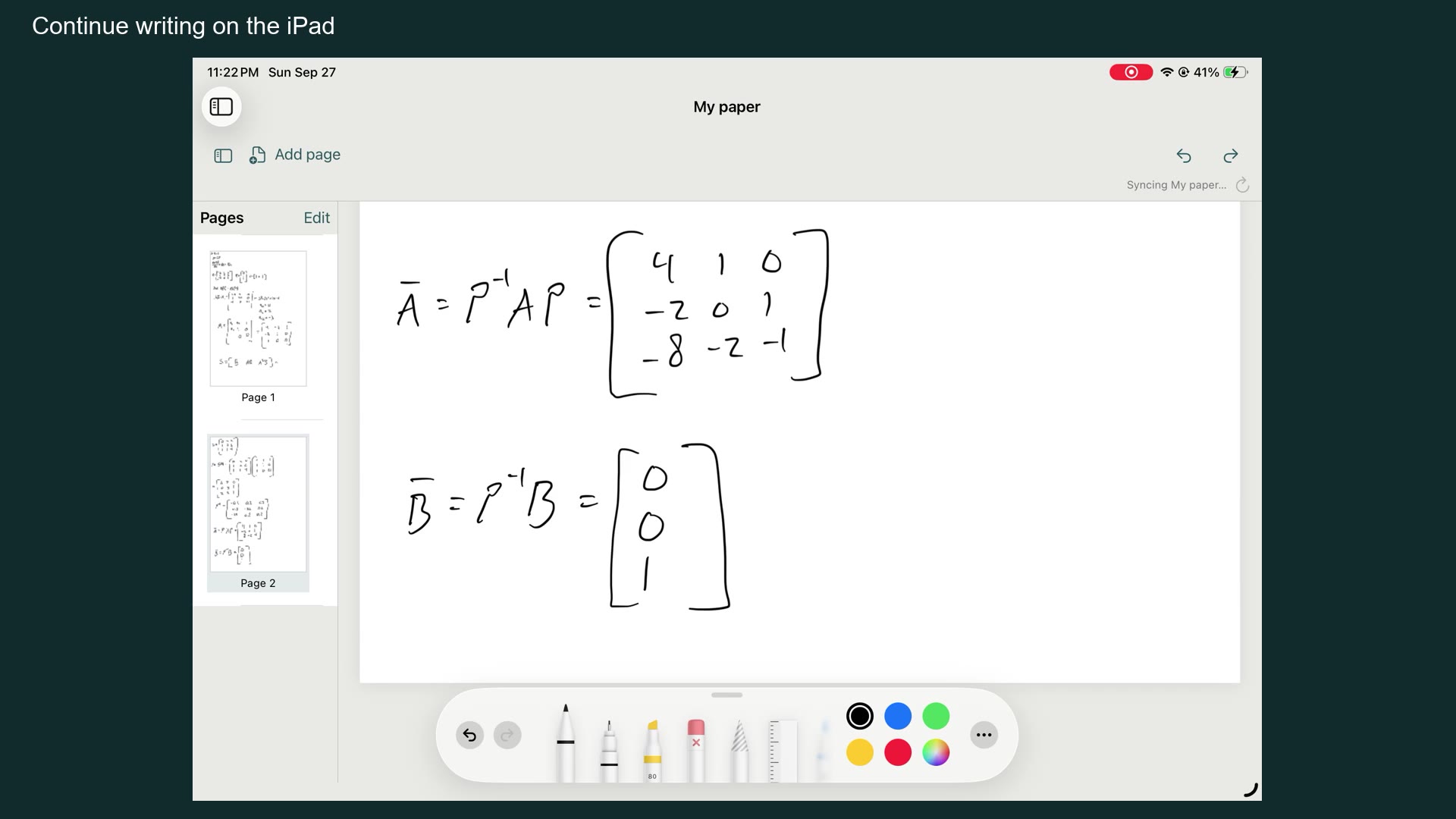
Open your document and work with Apple Pencil.
After sync, ask ChatGPT or Claude to read your work.
Edit your handwriting, wait for sync, and request a fresh read. No new screenshot to upload.
START WITH SOMETHING YOU ARE WORKING ON
These are example prompts to use with your own document. The assistant supplies the feedback; InkDraft supplies your original pages.
“Read my InkDraft work. Find the first incorrect step and explain why, without finishing the problem for me.”
Keep your equations and notation in view while you work through the reasoning.
“Explain the blocks and arrows in my InkDraft diagram. Flag anything unclear before making assumptions.”
Discuss the sketch you drew, including its labels and connections.
“I corrected that line. Read my updated InkDraft document and check the change against my notes.”
Annotate a PDF or change your own work, then ask for another read after sync.
REAL WORK. REAL RESPONSE.
An existing 72-second demonstration of iPad handwriting and ChatGPT Work feedback. This recording uses an earlier interface. Processing waits are shortened and labeled; it is not a real-time speed benchmark.
BRING THE AI YOU ALREADY USE
Install InkDraft, open a document, and connect your chosen service using the same InkDraft account. Each service has its own connection and account requirements.
A NOTEBOOK FIRST
Write offline, organize multipage documents in folders, import and annotate PDFs, insert images, and export your work. Local writing, documents, and exports are free.
Connected assistants have read-only access to your current synced document. Opening another document changes what is shared. They cannot edit your ink or browse your local library.
SIMPLE PRICING
InkDraft Cloud in the United States. One-week free trial for eligible new subscribers. Cloud sync requires sign-in and Internet access.
ChatGPT and Claude accounts, plans, availability, and limits are separate. InkDraft does not include an AI subscription.
No. Your open document syncs automatically. You decide when to ask ChatGPT or Claude to read it and respond. AI feedback can contain mistakes.
No. Only the current document is synced. Folders, inactive documents, and Trash remain on your iPad. Export an editable library backup before deleting or reinstalling the app.
An iPad running iPadOS 18 or later and a compatible Apple Pencil for handwriting. Cloud sharing also requires InkDraft Cloud, Internet access, and an eligible account with your chosen AI service.
Payment is charged to your Apple Account. The subscription renews automatically unless canceled at least 24 hours before renewal. Manage or cancel in Apple Account settings. Local writing and exports remain free.